Spaya.ai
Spaya.ai a user-friendly web platform for chemists to easily create and explore retrosynthetic pathways. It is powered by artificial intelligence (AI) developed by Iktos. Retrosynthesis involves the analysis of the possible synthesis pathways of a chemical compound, starting with the target and going back to the available starting materials. Spaya.ai uses data from millions of chemical reactions to find and evaluate the best retrosynthesis pathways for any compound.


The Challenge
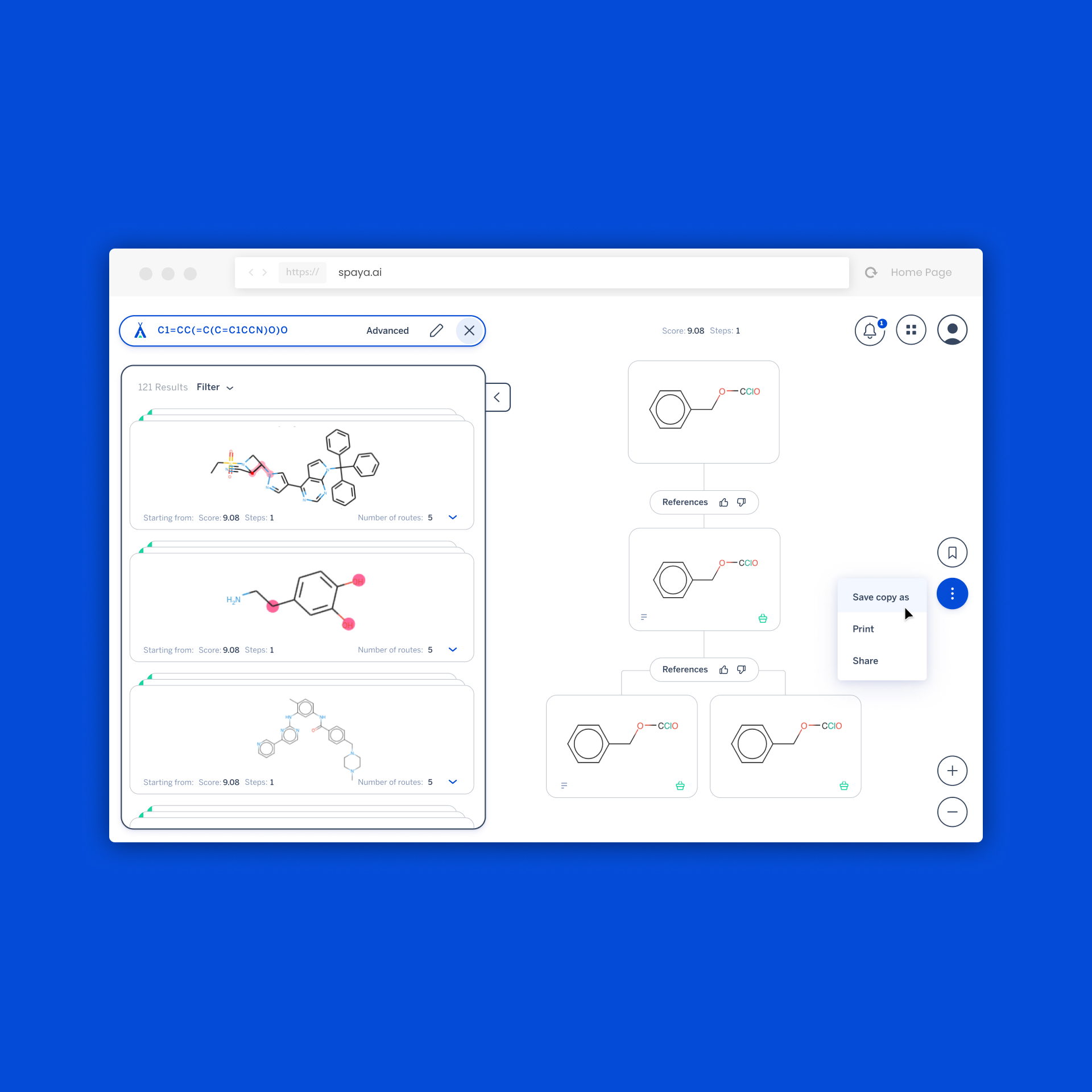
The goal of the task was to create friendly and intuitive user experiences for new and existing product features. As part of the task, together with the Mirumee team, I designed user-flow and mockups for various functions, such as: registration/login, onboarding, test period notification, system of marking the level of matching of results to the given phrase, context menu (save, print, share), notification of task completion, project sharing, plan upgrade and many small micro-interactions.
Registration

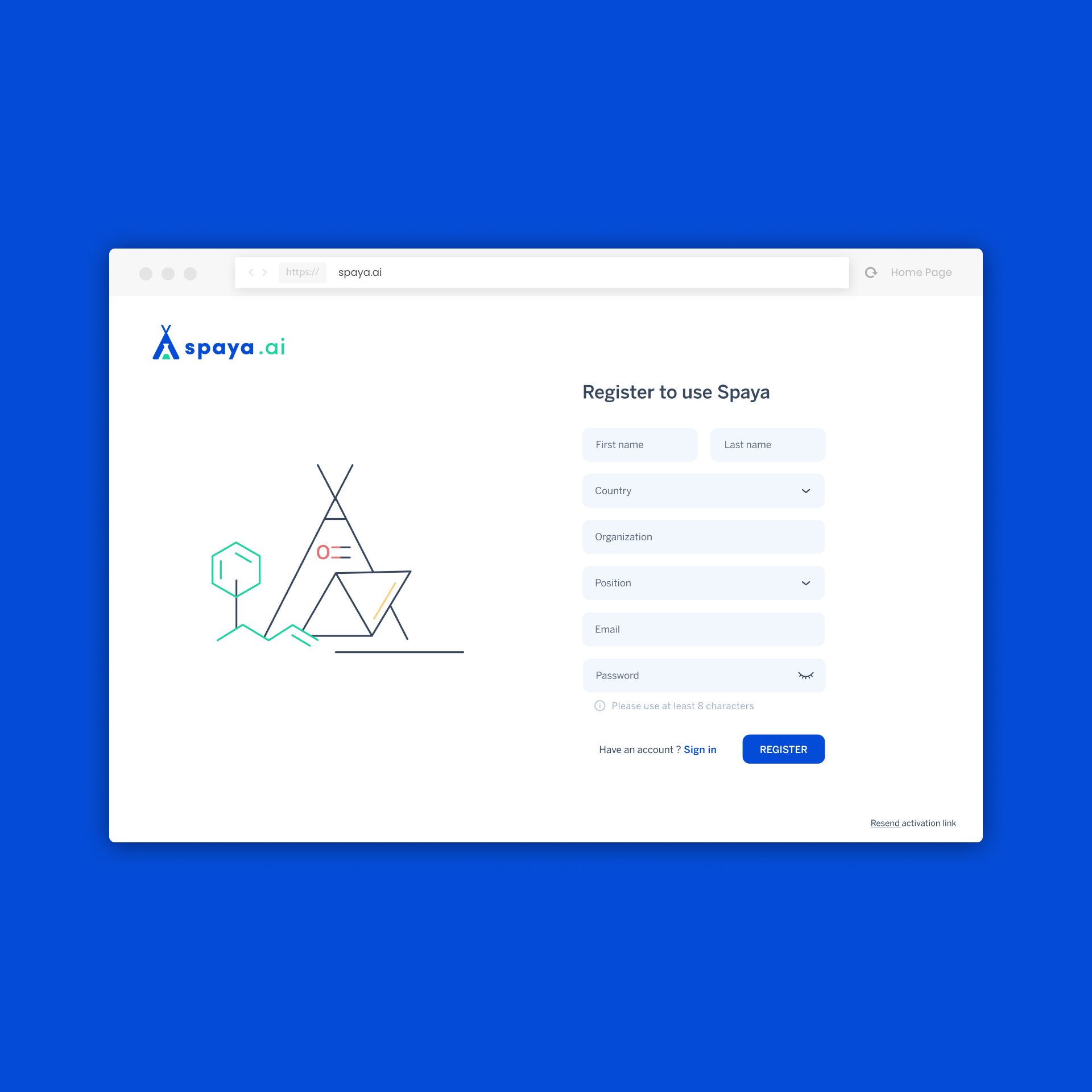
To use the Spaya service, the user must register with their email address and password. Then he receives a message with an activation link that confirms his account. After clicking on the magic link in the mail, the user is automatically transferred to the site. Signing up is quick and simple, quickly giving you access to the advanced tools and resources that Spaya offers.
Onboarding

Upon registration, the user is greeted with a brief introduction to the site's features that shows how Spaya can help you find the best chemical syntheses for the compounds of your choice. Then the user is introduced step by step to the basic functions of the site, such as entering queries, exploring the retrosynthesis tree, modifying the output materials or adding relationships to the wish list. Thanks to a short tutorial, he learns in a few minutes the operation of the search engine, navigating the results or evaluating their quality. The tutorial ends with a summary and encouragement to continue using the site.
Test period

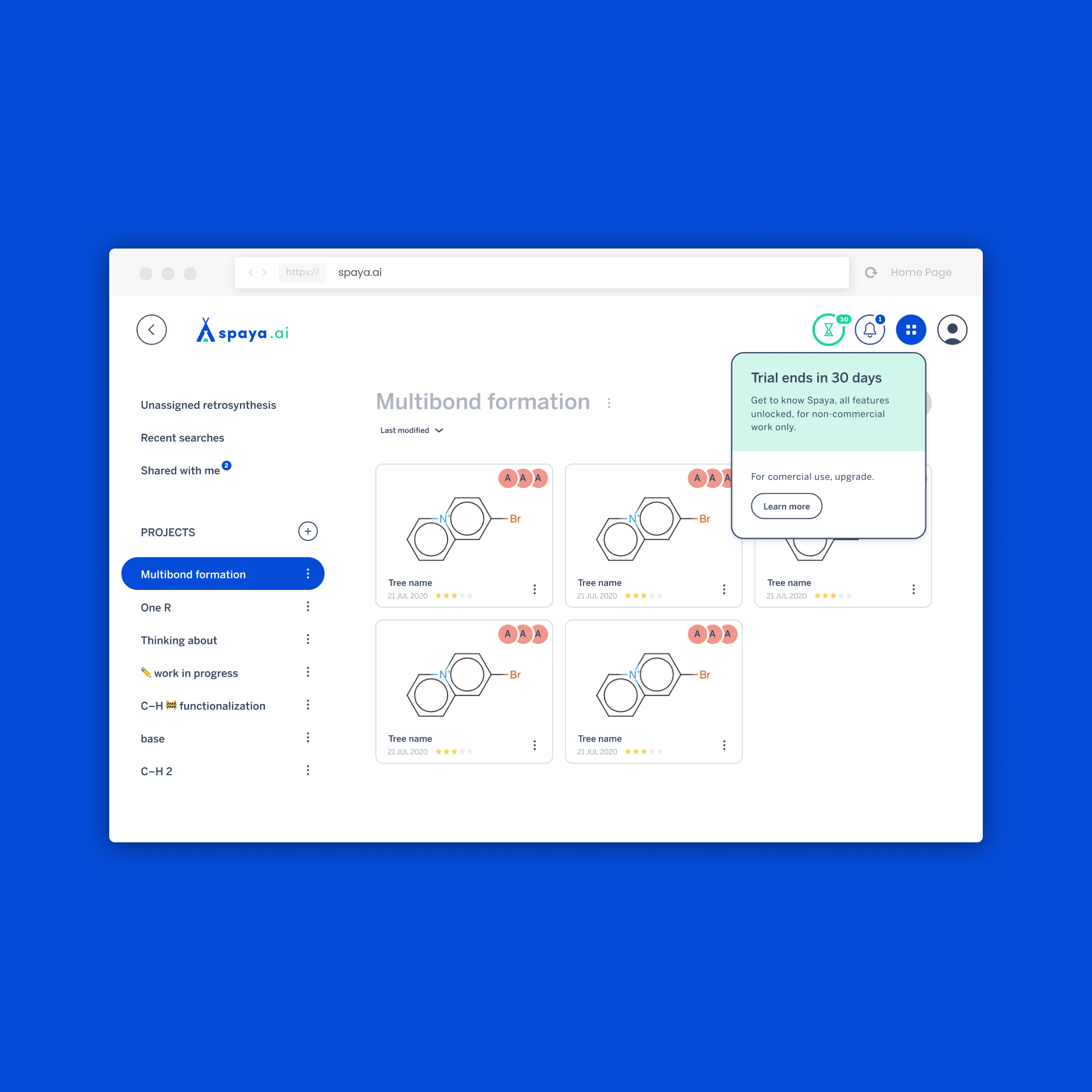
To encourage users to try Spaya, each new account has access to a 30-day trial period, during which you can use all the features of the service without restrictions. After this period, the user can continue to use the service, but some features are limited and the number of searches is limited to 10 per month. To make it easier for the user to track the status of his account, I designed a notification system that informs about the remaining time of the test period and the number of available searches. Notifications are displayed in the form of messages on the site page.
Search Status Notification

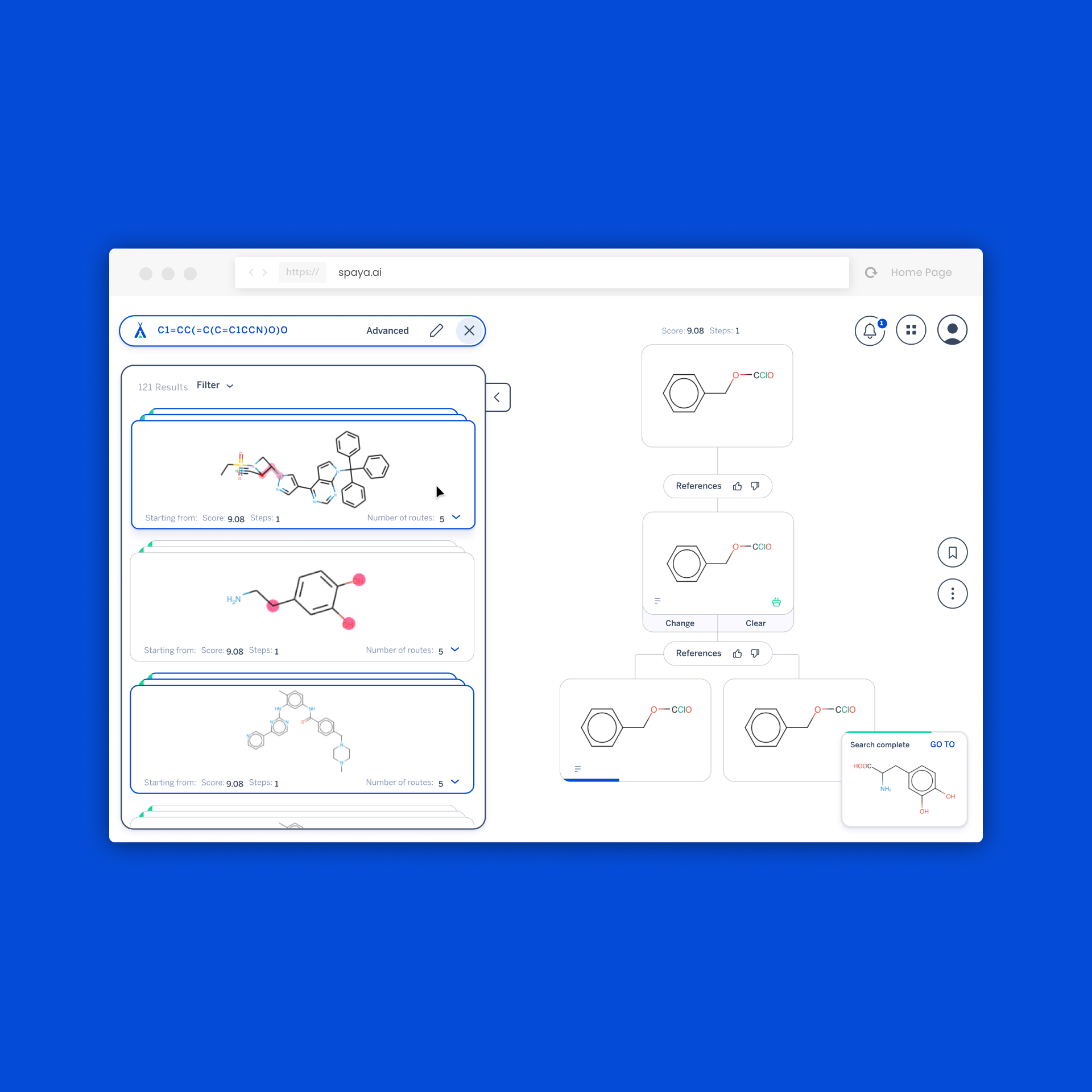
Spaya.ai uses artificial intelligence to search and optimize chemical syntheses. In order to provide the user with the best results, it analyzes all possible synthetic pathways for a given compound and evaluates them against various criteria. This process can take anywhere from a few seconds to several minutes, depending on the complexity of the relationship and the amount of data available. So that the user does not wait in suspense, Spaya.ai shows him partial data and information about the progress of the search in the progress bar. If the user goes to another screen of the application, it continues to search in the background and notifies them of the end of the search with a message. The user can then return to the search screen and see the full results.
Sharing

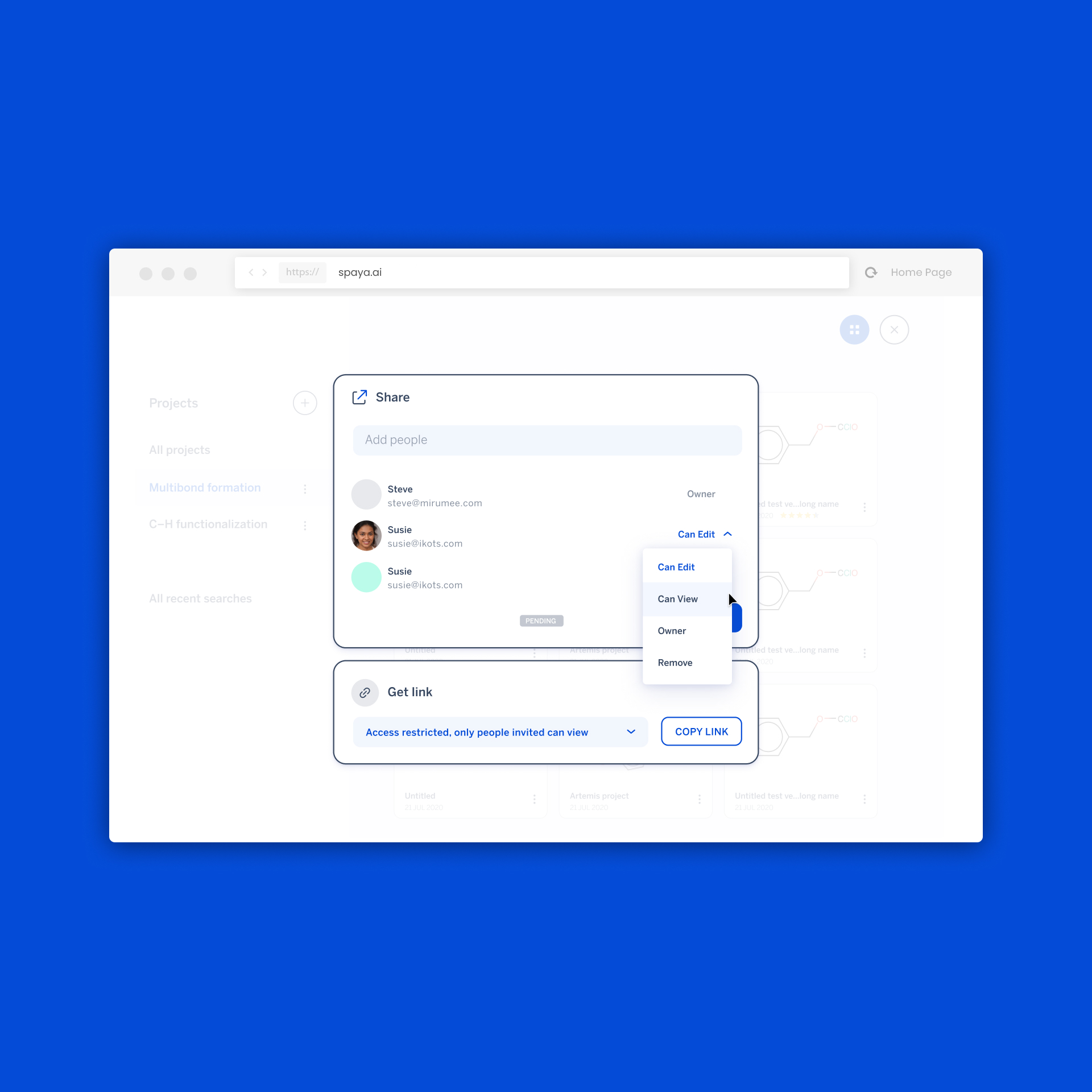
Sharing the Spaya.ai project not only helps you collaborate and exchange ideas with other users. Any project that a user creates in Spaya can be shared with other users, both inside and outside the organization. To share a project, all you have to do is enter the email address of the person we want to share it with and choose the access level: read-only or editable. The user who receives an invitation to the project will be able to see and rate the search results, as well as add their own comments or suggestions.
Switching to a paid plan

If the user wants to use the full version of Spaya.ai without restrictions, he needs to switch to a paid plan. The user can compare the available plans and choose the one that best suits their needs. After choosing a plan, the user provides company details such as name, address, TIN and others. Next, the user enters the payment card details, such as the number, expiration date, CVV code and the name and surname of the owner. If required, after confirming the data, the user will be redirected to 3DS Secure. After completing the payment, the user is shown a message stating that the plan has been activated.
Team
Head of Design: Iwo Rzepiela
UX/UI: Jakub Nowak, Piotr Flis