Saleor
Saleor is an e-commerce platform that allows you to create modern and personalized online stores. Saleor uses a headless approach that separates the presentation layer from the business logic layer, giving you more flexibility and control over the look and functionality of the store. Saleor offers a powerful and scalable GraphQL-based API that supports all aspects of online sales, such as products, cart, orders, payments, shipping, and more. Saleor also provides ready-to-use user interfaces for customers and administrators that are based on the latest web technologies such as React and TypeScript. Saleor is also an open source platform that has an active and growing community of developers and industry experts who co-create and improve Saleor.


The Challenge
I faced a complex challenge that required a lot of skill and creativity from me. The task was to design an installer for the e-commerce platform Saleor, one of the leading open source trading platforms in the world. The installer was intended to be intuitive, secure and legal to make it easier for users to launch their own online store based on Saleor. I also had to make sure that the installer complied with all legal and data security requirements, such as GDPR. In addition, I designed an online store with original products for the Saleor community that reflected its character, needs and was attractive to developers. The store was intended to exemplify the capabilities and advantages of the Saleor platform, such as flexibility, efficiency and scalability. The products were supposed to refer to programming, technology and open source topics. Finally, I designed the Careers page for Saleor to encourage potential candidates to join the team and show them what it's like to work at Saleor. The site contained information about the company's mission, values and culture, as well as current job offers, requirements and benefits. The site also presented the Saleor team, its achievements, projects and opinions. In addition, I created an interactive application process for the position, which consisted of receiving video messages from the recruiter and the ability to record my own video presenting the candidate.


Installer
.gif)
It allows you to easily and securely launch your online store. The installer includes steps for agreeing to the data protection policy, terms of service and licenses, configuring the database and administrator account, providing an optional store address, setting up crawling of the page by search engines, and giving optional consent to sending statistics and crash data to Saleor and developers.
Saleor Swag
Free product exploration
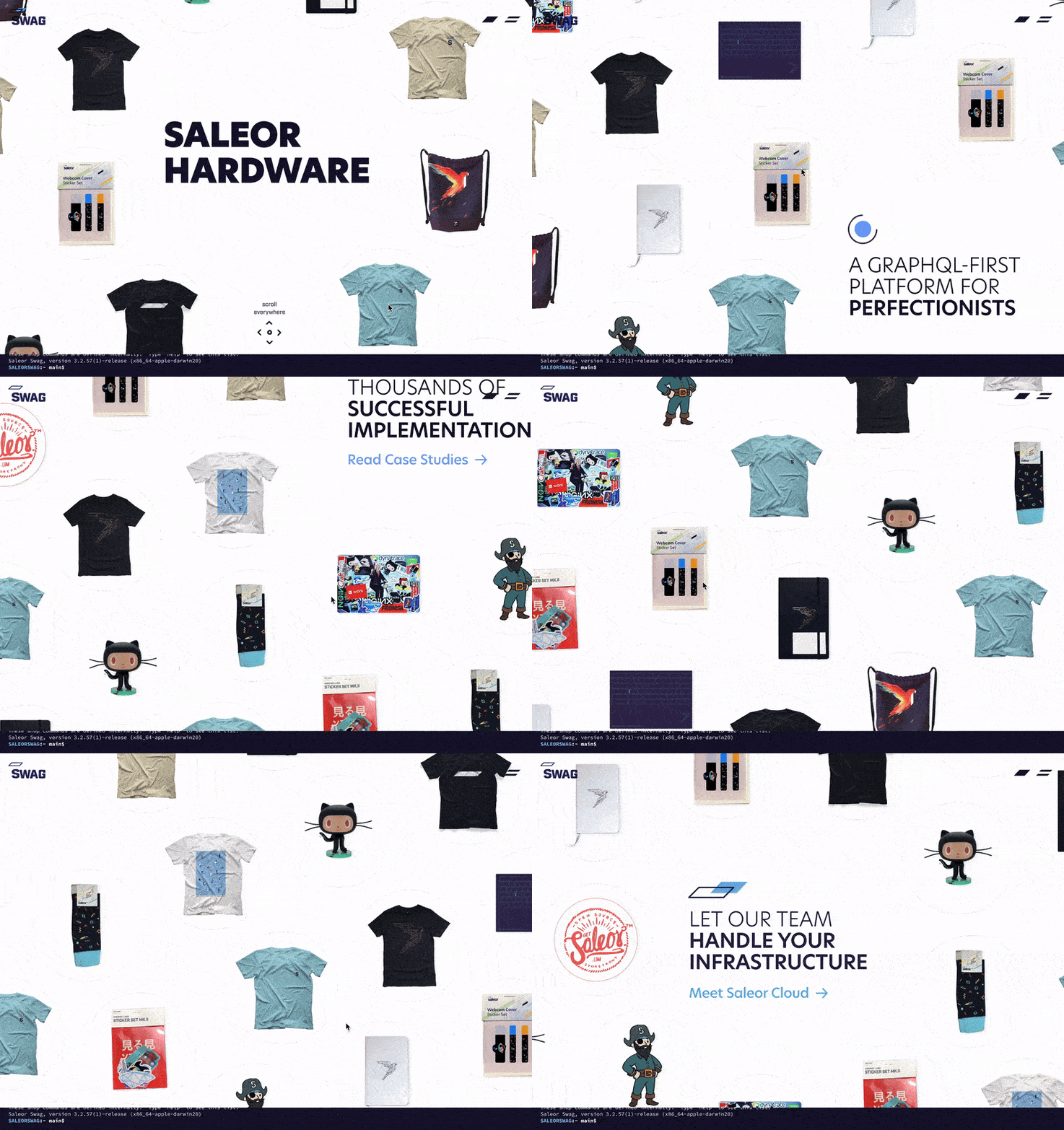
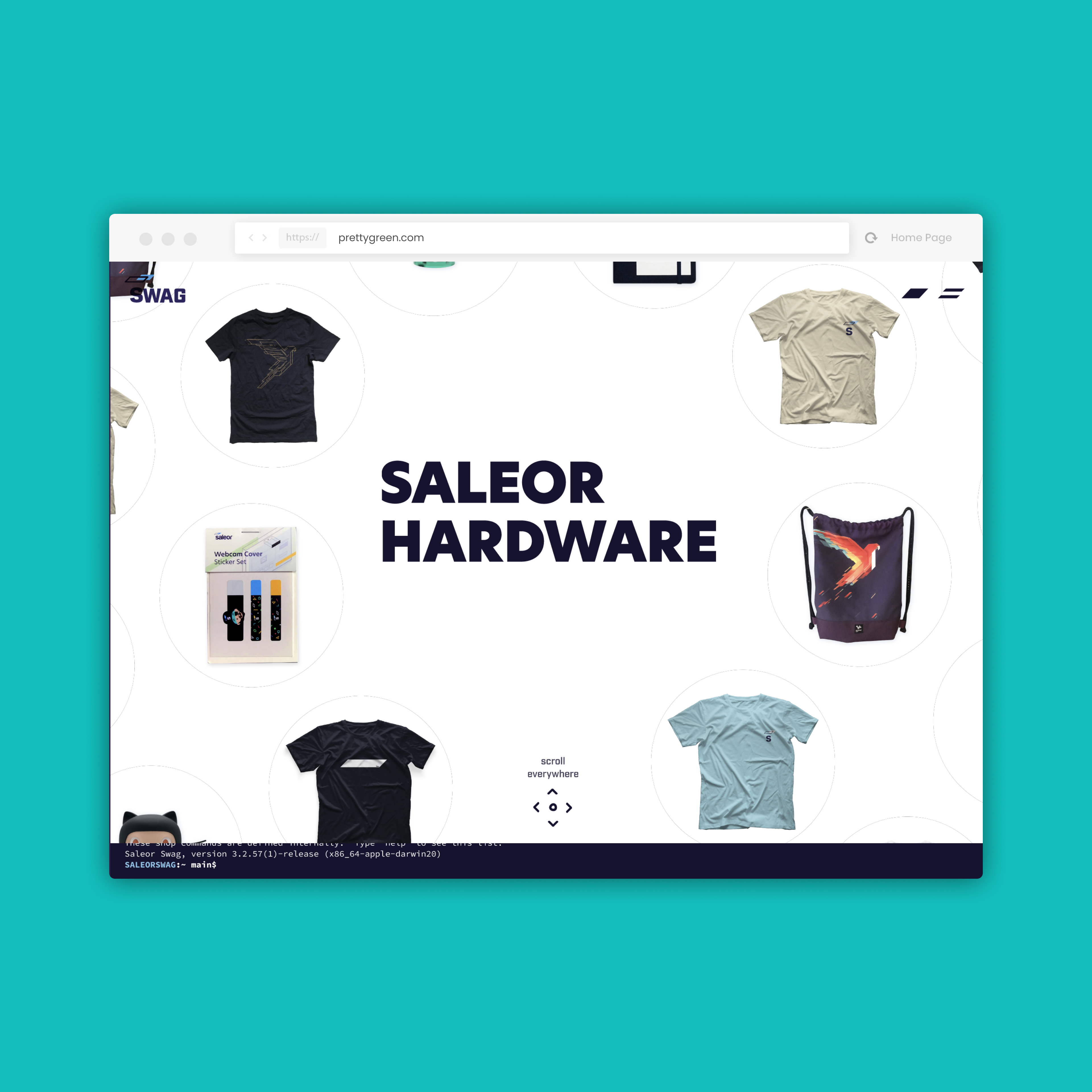
The user can freely explore different products, such as t-shirts, mugs, bags or stickers, enclosed in bubbles that loop endlessly. The user can move in all directions, zoom in and out of the images, and click on the bubble to see the product details and add it to the cart.
Product Preview

When you hover over a product, its name and price appear, making it easier to compare and choose. When you click on a product, it opens, moving other products to the sides, which creates an effect of depth and focus. After opening the product, the user can get acquainted with its full description and additional photos, which show the details and quality of the product.
Add to cart

If the user wants to add to the cart a product that has different sizes and has not previously selected any of them, then the interface will suggest it to him by showing an animation. If the user adds a product to the cart, then the interface will also notify him of the successful addition of the product by showing an animation.
Shopping Cart

In the shopping cart, the user can familiarize himself with the added products and proceed to the execution of the order.
Terminal Simulation

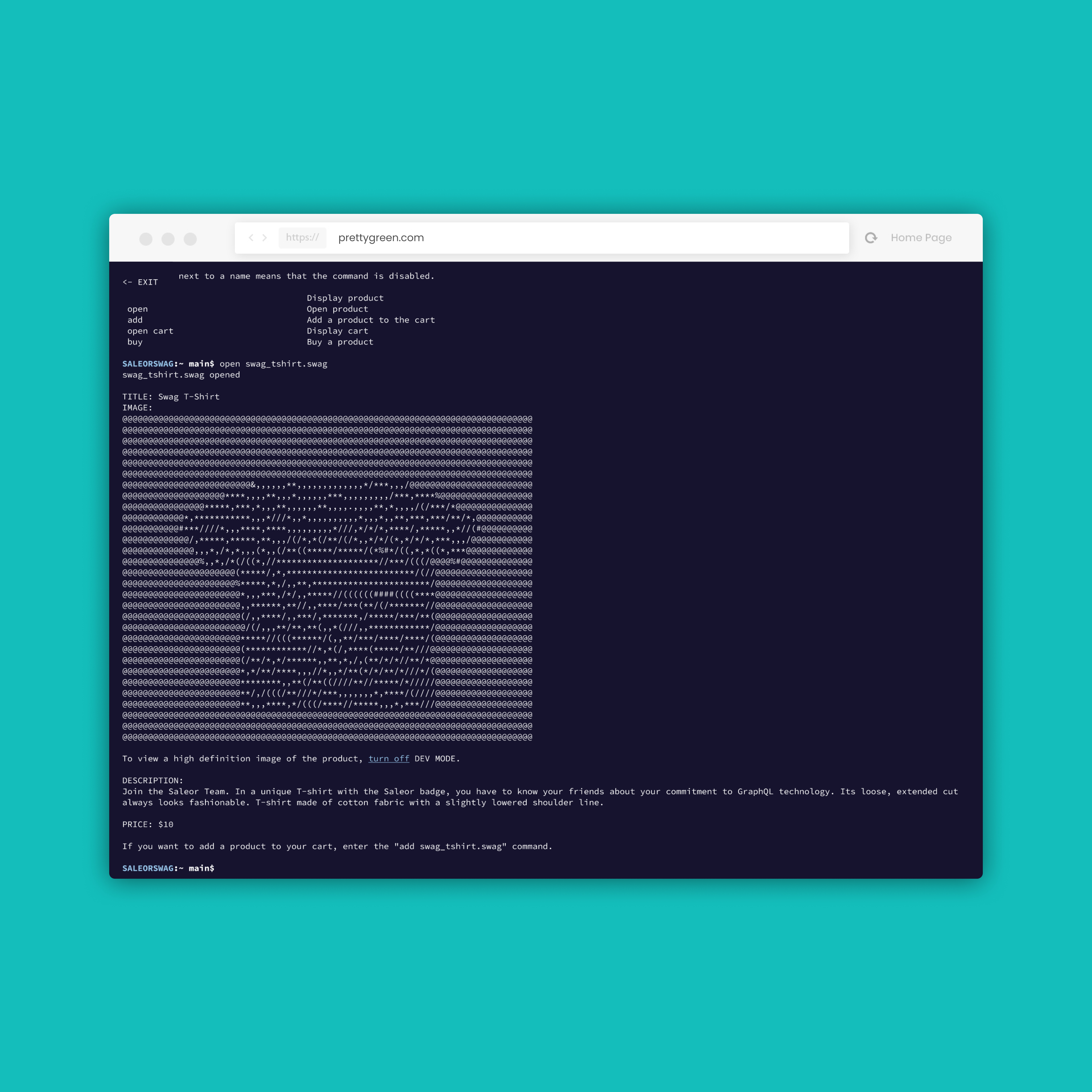
The user can not only use the graphical interface, but also the simulation of the Terminal, which gives him more control and freedom. The user can switch to the Terminal simulation by pressing the key ~ or by clicking on the bar at the bottom of the screen. In the terminal, it can perform all actions as in a normal store, using text commands. For example, the user can search for products, add them to the cart, check the status of the order, or contact customer service by typing the appropriate commands. In graphical mode, each action is also represented in the terminal preview in the bottom bar. The Terminal simulation is not only functional and comfortable, but also fun and original, as it appeals to the culture of geeks and programmers.
Login and Checkout

The user can log in through their GitHub account, which makes the purchase process easier and faster. After that, the user is compulsorily transferred to the simulation of the Terminal, where he can perform the entire order execution process using text commands.
Saleor Career
Homepage

Job page

Interactive recruitment

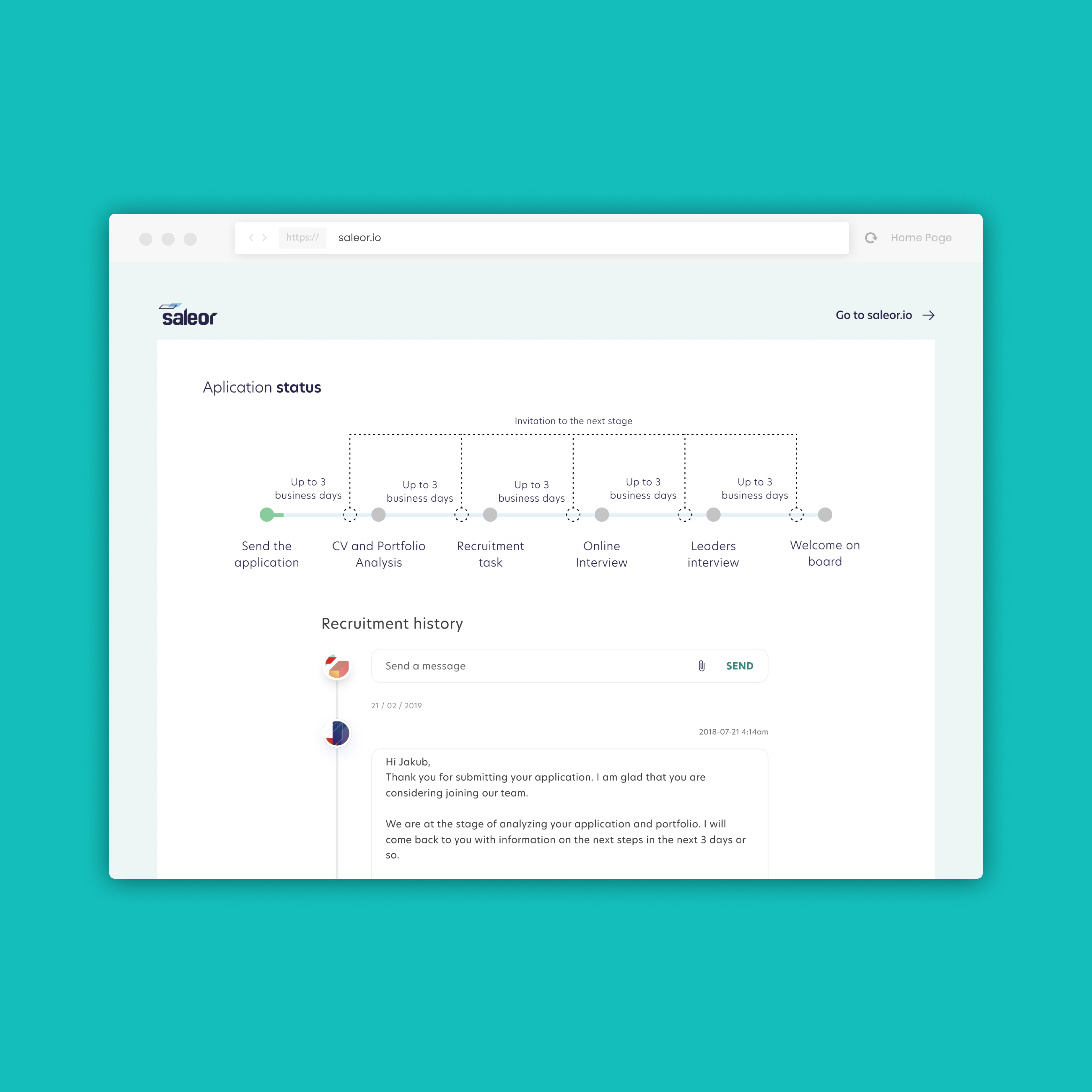
The form includes a video column in which the recruiter talks about the individual stages of the recruitment process, such as a technical test, a conversation with the team, or a presentation of the project. By going to the next subpages of the form, the user starts a continuation of the recording, which adapts to the current stage. Optionally, the user can also record his short statement, as part of which he talks about why he wants to work at Saleor, which allows you to better know the candidate and his motivation.
Team
Head of Design: Iwo Rzepiela
UX/UI: Jakub Nowak, Paweł Gryglak