Lulu
Lulu.com is a platform that lets you create, print, and sell your own books worldwide using print-on-demand technology. With it, you can self-publish your book for free, order copies for yourself, or sell your books on various e-commerce platforms like Shopify, WooCommerce, Amazon, and more. Lulu.com offers a variety of formats, paper types, and personalization options to create your unique and professional book or e-book. Lulu.com was founded in 2002 by Red Hat co-founder Bob Young, who wanted to give authors more control over their work. By 2014, Lulu.com had published about two million titles, and to this day is one of the largest and most popular self-publishing services in the world.


The Challenge
The challenge was to design a new author panel that would allow the publication of books and the management of the sales process on the Lulu.com platform. To meet this task, Mirumee and the team designed many elements and functions of the panel, such as a new home section with a summary and tips tailored to the stage of the user (from creating an account, through tips on how to write the first book, to sales development), project management, text editor, product card editor, the ability to buy your own edition, analytics, sales, payments, sales channels. I also prepared a sketch of the new navigation of the marketing page.


Author's Welcome Page
.gif)
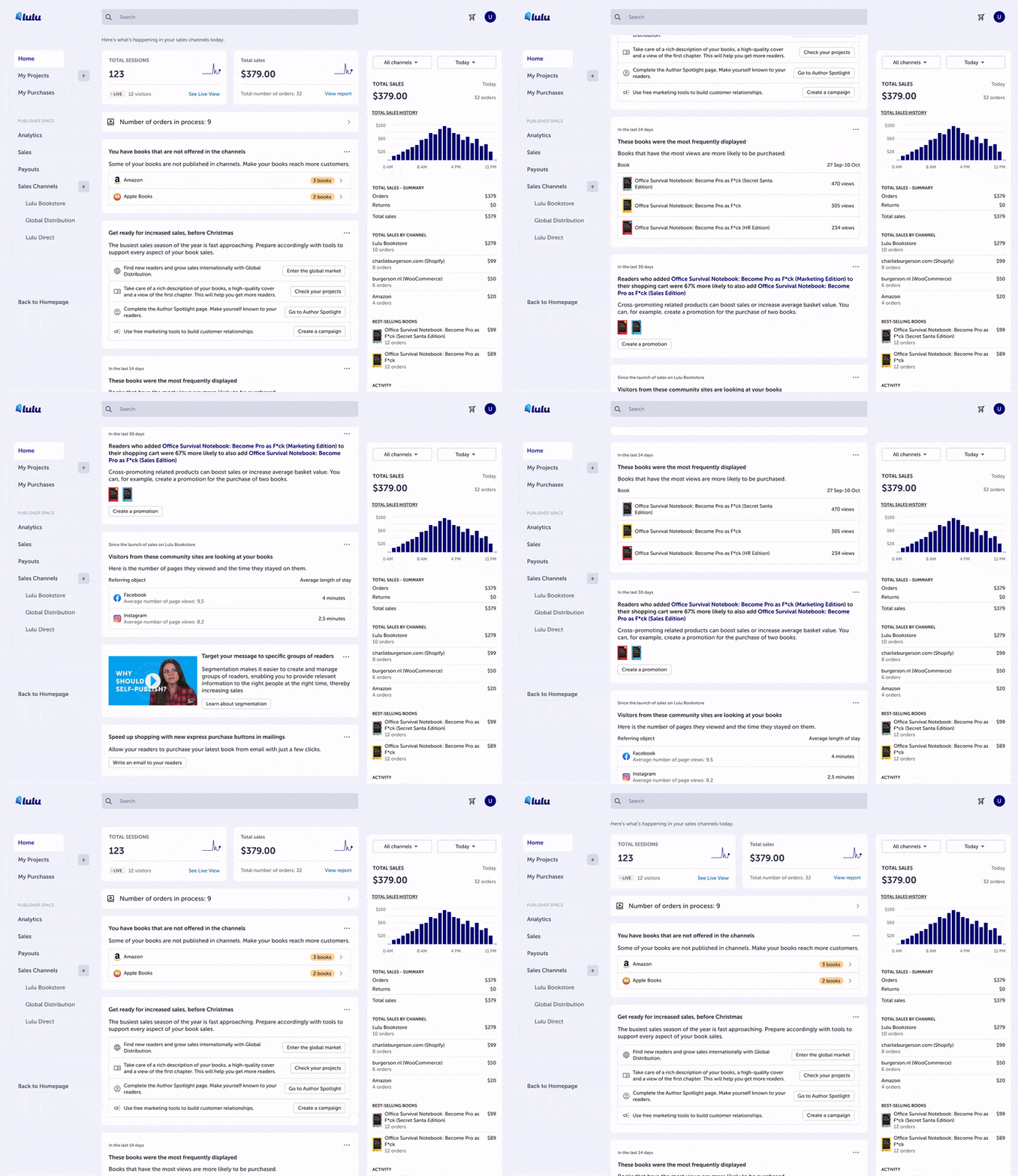
The author's new homepage is designed to help users realize their dreams of publishing their own book. The user can see a summary of their progress, from the moment they create an account, through the choice of format and cover, to the sharing of the book on the platform. You can also receive tips and advice on how to improve the quality of your book, how to reach more readers and how to increase your profits.
Project management and text editor

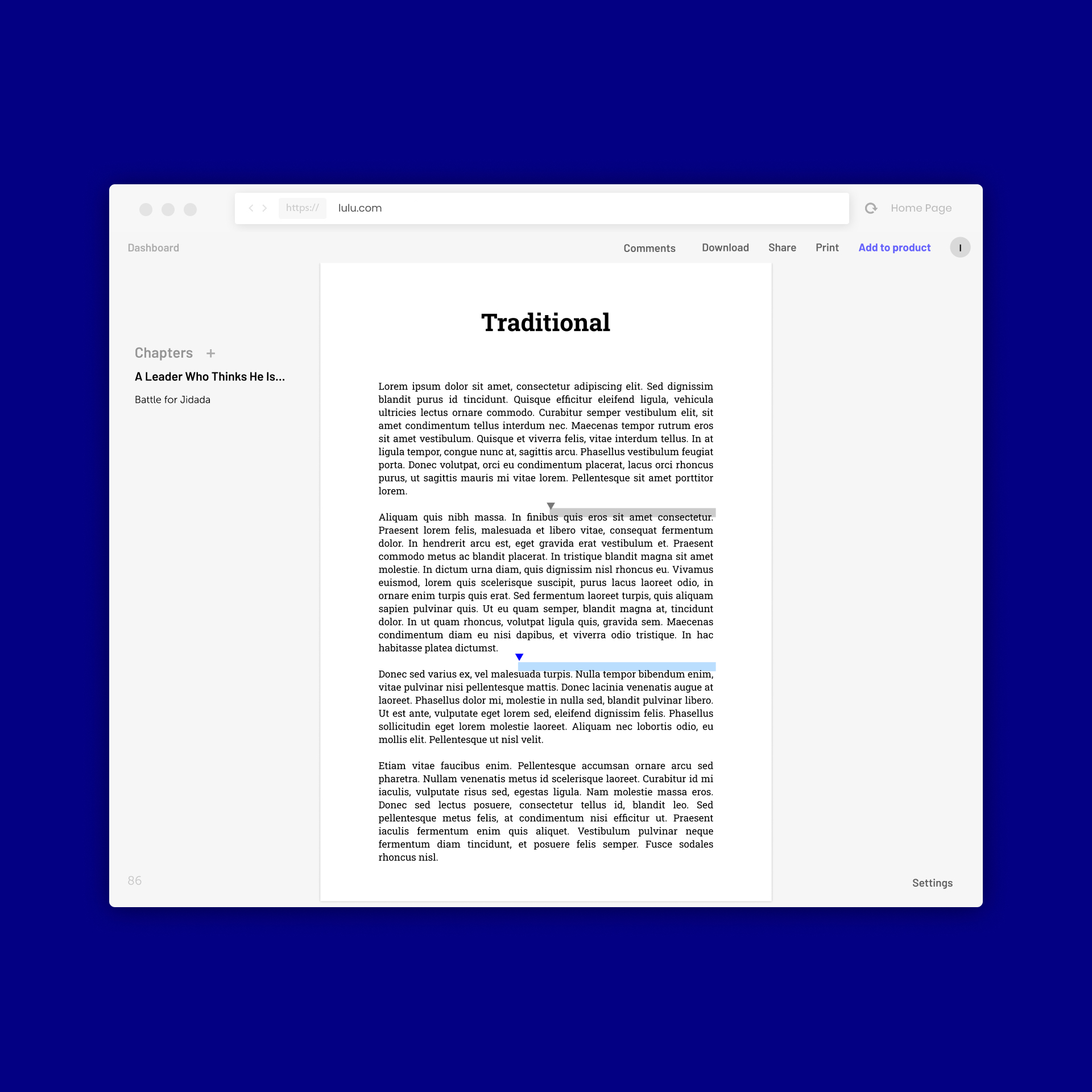
The user can write his book directly on the platform using a simple and functional editor. The user can also create different variants of his book, such as print, ePub or Audiobook. The user has full control over the appearance and quality of his book, as he can choose the format, type of paper, color of the cover and many other options. In the product tab, the user can add a description of his book, set a price and select sales channels such as Lulu, Amazon, Barnes & Noble and others.
Statistics

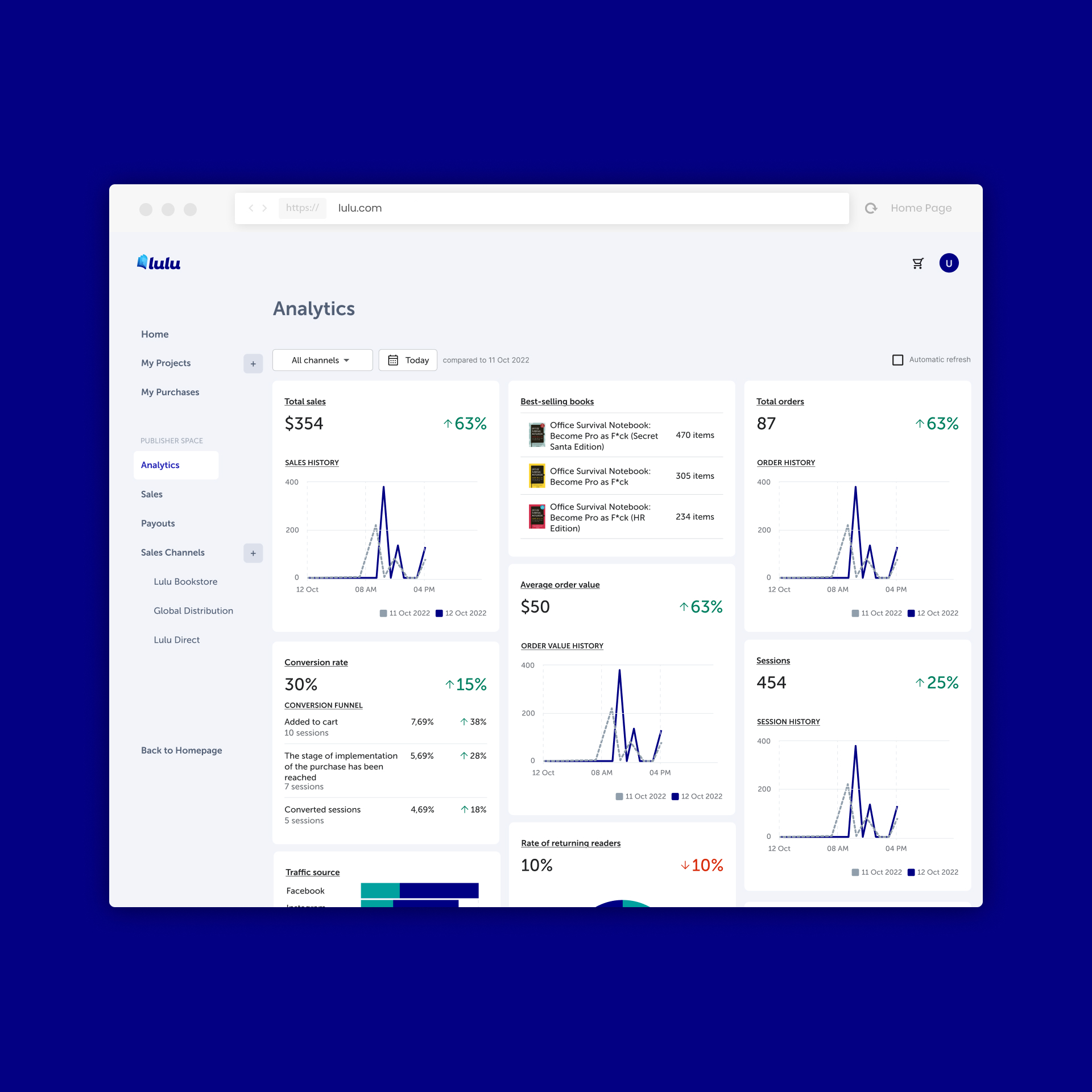
The Analytics section is where you can check how your book is doing in the market. You can see different metrics like number of views, ratings, reviews, revenue, and costs. You can also compare your book with other similar titles or categories. In addition, you can see how many people visited your book's product card and author bio page. You can also analyze the amount of purchases and the value of revenue from various sales channels such as Lulu, Amazon, Barnes & Noble and others. The Analytics section also allows you to adjust the reporting period, filter data by various criteria.
Sales

The Sales section shows you what your income is from the book. You can see a list of recent sales, along with the date, price and sales channel. You can also click on each sale to see more information such as order number, shipment number, reader details, payment method, and order status.
Payouts

The Payouts section allows you to receive remuneration for books sold. The user can choose a form of withdrawal, such as PayPal or bank transfer. It can also check if the remuneration for a given sale has been accepted by Lulu Bookstore or channels such as Amazon, Apple Books, Google Play and others. It can also see the withdrawal history, including the date, amount and withdrawal channel.
Sales channels
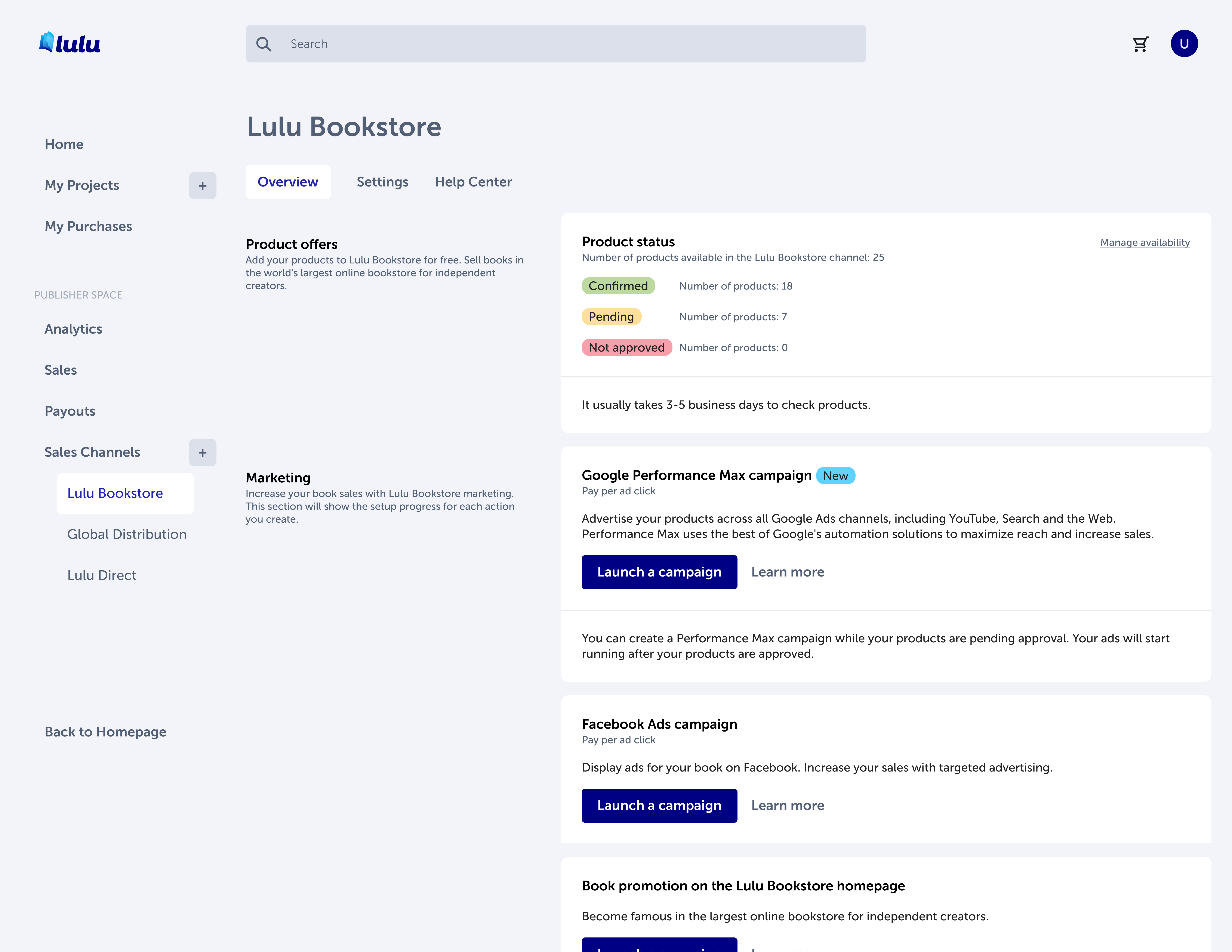
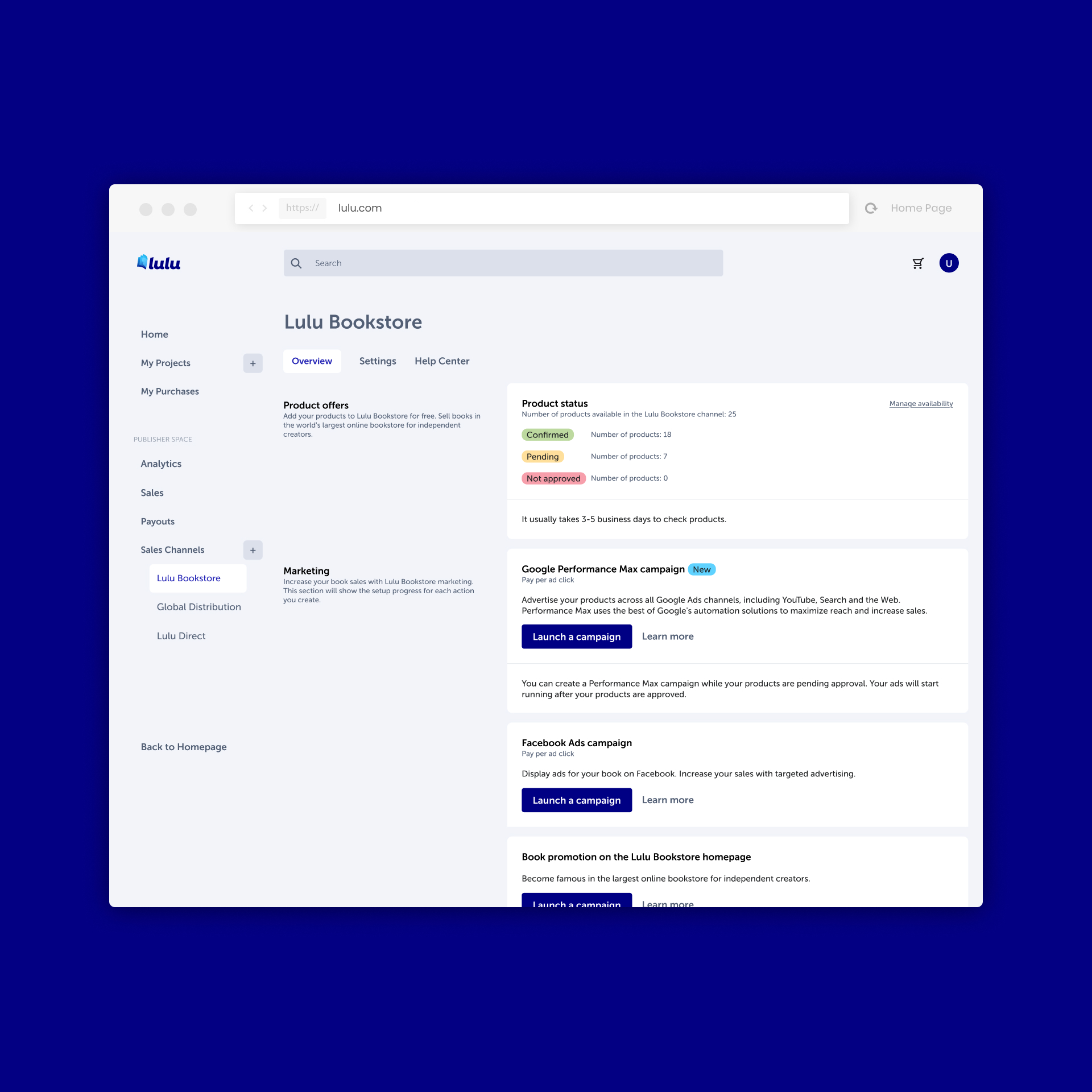
The Sales Channels section is where the user can increase the reach and sales of their books using various distribution platforms. It can add new sales channels such as Lulu Bookstore, Lulu XPress, Lulu Print API, Amazon, Barnes & Noble, Apple Books, Google Play and more, depending on the preferences of its readers and market requirements. It can also manage platform-specific features, author pages, promoted products, banners or advertising campaigns. Thanks to the Sales Channels section, the user can make his book available to millions of people around the world.
Team
Head of Design: Iwo Rzepiela
UX/UI: Jakub Nowak, Piotr Flis, Kamil Salanik, Natalia Gorska